How do I run online sessions without drowning in tabs and tool noise?
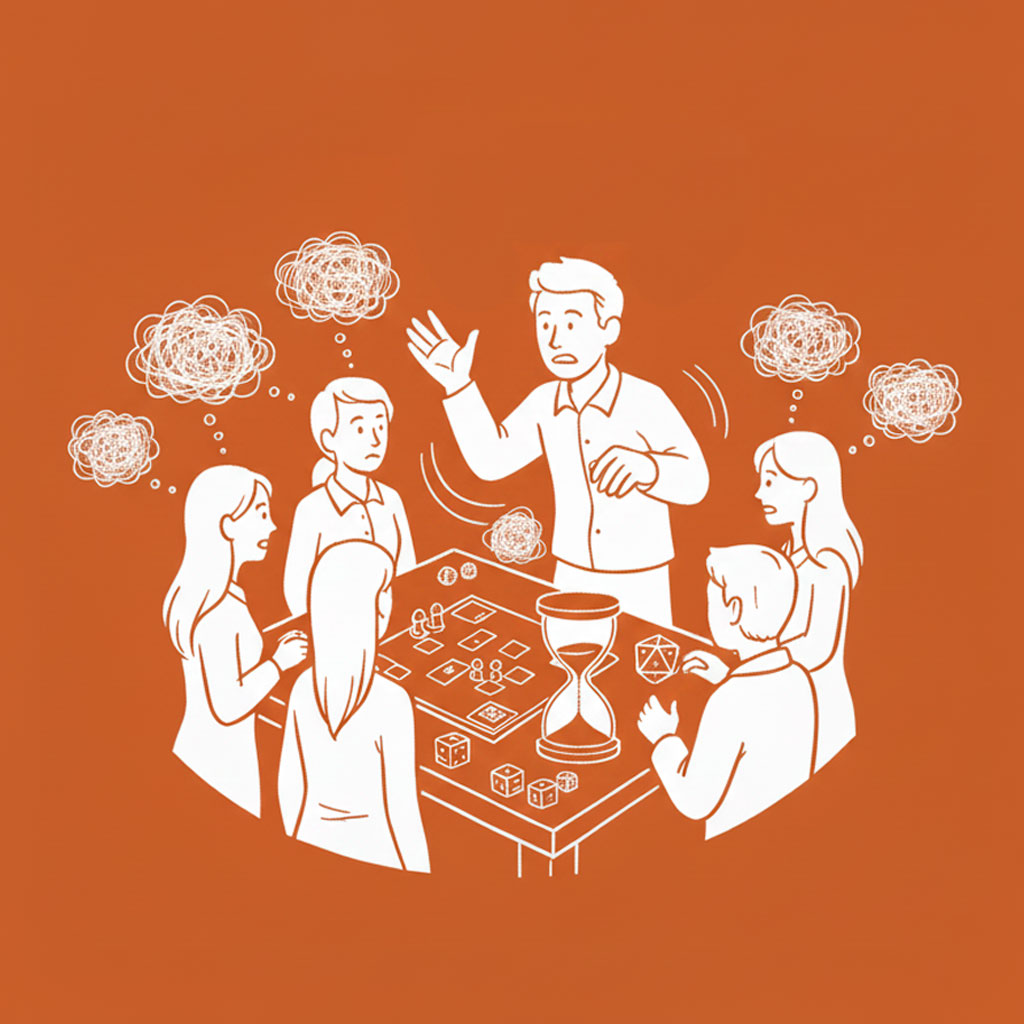
If you’ve ever been mid-scene, felt the energy climbing… then immediately murdered it by hunting for the right window, the right map layer, the right handout, the right anything—yeah. Online play is a tiny performance, and your tools are both your stage crew and your hecklers.
The fix isn’t “learn more features.” The fix is building a digital command center that reduces your cognitive load, then running your session with intentional friction limits: only the tools that actively buy you pacing, clarity, or tension—everything else gets benched.
Why This Matters for Your Game
At an in-person table, your dead time is disguised. You shuffle papers, grab minis, scribble notes, and people still read faces, snack, joke, and vibe. Online? Dead time is just… silence and staring at rectangles. Every extra click is a little tax on momentum.
When your setup is tight, online sessions feel weirdly faster than in-person. You can snap between scenes, deliver visuals on cue, track multiple threads cleanly, and keep pressure high without looking frazzled. Your players feel like the world is responsive and “present,” not like you’re driving a complicated spreadsheet.
When your setup is messy, you start DMing defensively. You avoid twists because they require extra assets. You simplify encounters because you can’t handle the interface overhead. You stop improvising because improvisation means tab chaos. Worst of all: you start blaming your players’ attention when the real problem is your session flow got strangled by tech friction.
Online mastery is mostly this: protect the pace, protect the spotlight, protect your brain.
Key Ideas to Keep in Mind
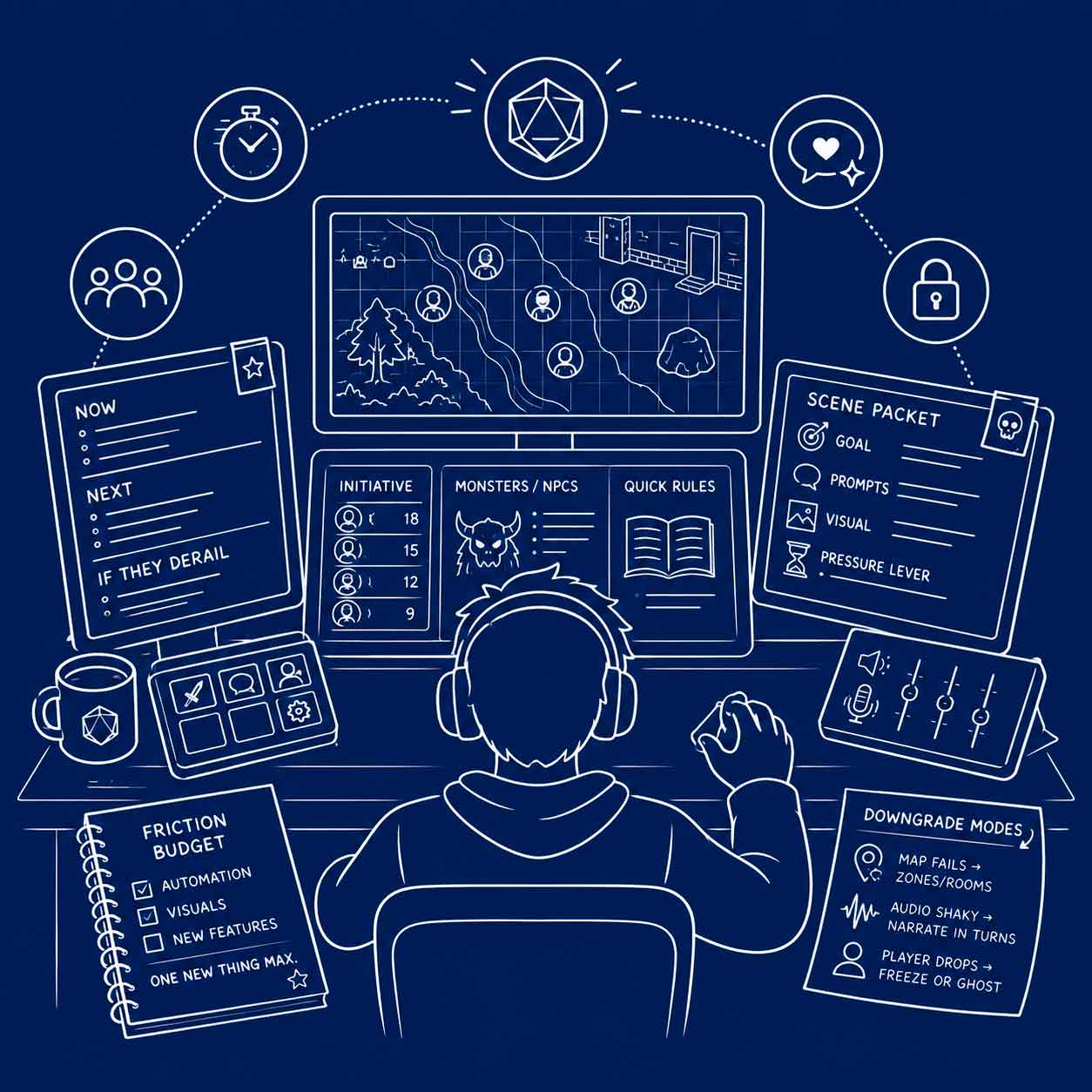
Build a “DM Cockpit,” not a desktop jungle
You want a consistent, repeatable layout where your eyes and hands know where to go without thinking.
- One “Home” document (or note window) that is always visible: Now / Next / If they derail / Names / Loot / Open questions. This is your anchor when chaos hits.
- One “Play surface” (VTT/map/whiteboard/whatever) that your players see.
- One “Control strip” for the stuff you touch constantly: initiative, monster notes, quick rules reminders, your timer/clock, and your audio controls.
- Kill anything that isn’t used every session. If you use it once a month, it doesn’t live in the cockpit.
A good rule: if you have to search for a window mid-session, it doesn’t belong on your main screen. Make it a hotkey, a pinned tab, a sidebar, or… delete it.
Prep “scene packets,” not content piles
Online prep gets out of hand when you prep everything as a separate asset. Instead, prep by scene, and each scene only gets what it needs to run cleanly.
A scene packet is:
- A one-sentence goal (what this scene is trying to do to the party).
- A short list of prompts (3–5 sensory beats / NPC angles / complications).
- A single visual (optional): one image, one simple map, or one token board. Not a museum exhibit.
- A pressure lever: a timer, a looming consequence, a rival move, a limited resource—something that keeps the scene from turning into endless discussion.
This changes everything. When the party swerves, you’re not scrambling for “the right prep.” You’re choosing the next packet that fits the new direction, then reskinning the wrapper.
Use a “friction budget” (and spend it on pacing)
Here’s the dirty truth: every fancy tool feature costs you something. Time. Attention. Risk of failure. Mental load. And you only get so much of that per session.
So treat it like a budget:
- Automation is only worth it if it saves time during play (not just prep).
- Visuals are only worth it if they reduce confusion or heighten emotion fast.
- New features are only worth it if you can run them half-asleep.
A strong advanced habit: introduce at most one new “tech thing” per session. Not five modules. Not a new audio setup and animated maps and fancy fog-of-war. One. You’re running a game, not launching a space shuttle. The same restraint applies before launch: starting an online homebrew campaign without building everything at once keeps the VTT, character tools, and world notes separate until each layer actually needs more complexity.
And if a feature makes you look down and think “wait… how do I…”? That feature is not allowed in tonight’s session. Bench it. Keep moving.
Make spotlight visible (because online makes it slippery)
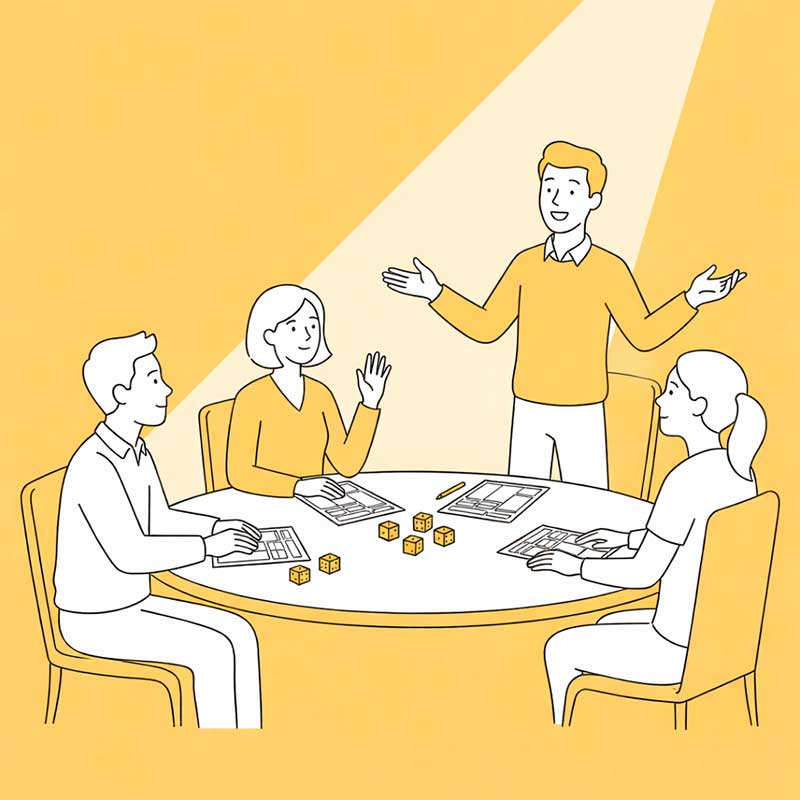
Online play has two monsters: cross-talk and quiet fade-outs. The fix is light structure that creates space without making roleplay feel like a courtroom.
Try these tools:
- Soft initiative for talking scenes: when a scene starts, you do a quick pass: “What do you do right now?” Everyone gets a short turn. Then it opens up again.
- Directed questions like a sniper rifle: “Cool. While that’s happening—what’s your character watching for?” “You’re the one with history here—what does this place remind you of?”
- Two-voice rule: let two people go back and forth, then you cut in and toss to someone else. Online, you need these clean handoffs or the loudest mic wins.
You’re not policing fun. You’re building a rhythm that stops the session from becoming a podcast starring the same two people.
Run secrets and split scenes with a “cut protocol”
Advanced online play can do something in-person tables struggle with: private information and parallel scenes. But if you do it badly, everyone else sits there bored, doomscrolling, and emotionally checks out.
So you need a protocol:
- Keep private moments short and scheduled. “I’m going to do a 60-second private message with you—don’t reply until I say go.”
- Always cut on a hook. “You hear footsteps behind the door—hold that thought.” Then switch to the other group.
- Give the waiting group something active. A quick decision, a planning question, a choice with stakes. Don’t leave them in spectator mode.
If you want to go full wizard: deliver some secrets between sessions (private messages, journal entries, short prompts). Then the table time is for payoff, not administration. For a difficult version of this problem, see how to run secret traitor characters when the whole online group sees their scenes.
Have a failure mode that still feels like a game
Tech will fail. Someone’s mic will die, the VTT will lag, the map won’t load, the dice bot will throw a tantrum. Your job isn’t to prevent it—it’s to make your backup plan feel intentional.
Build three “downgrade modes”:
- Map fails → zones/rooms. “You’re in the hall. Door left, door right, stairs down. I’ll keep it tight and clear.”
- Audio shaky → narrate in turns. Short declarations, quick confirmations, no long debates.
- Player drops → freeze or ghost. Either they fade into the background safely, or another player pilots them only for defense/escape, not big choices.
Tell your table the rule up front: when tech breaks, we choose speed over perfection. That single sentence saves your momentum more than any plugin ever will.
Final Thoughts for Your Next Game
Advanced online DMing is mostly self-defense: defending pacing from clicks, defending spotlight from silence, defending your brain from overload. Your tools should make you faster and clearer—not busier.
If you want a simple experiment for your next session:
- Build one “Home” note with Now / Next / If they derail and keep it visible all night.
- Prep scenes as packets with one goal, a few prompts, and one pressure lever.
- Pick one tool feature that genuinely buys you speed, and ignore the rest.
- Add one spotlight rhythm (soft initiative, two-voice rule, directed questions) and watch your table wake up.
Online games don’t have to feel like a compromise. When your cockpit is clean, they can feel like a sharper, tighter version of the hobby—where every scene lands because you weren’t wrestling your own interface.
Common Questions